Digital Asset Management Pricing Explained
Digital Asset Management Pricing Explained If you’re researching digital asset management pricing, you’ve probably already noticed the problem: most DAM vendors make pricing feel harder than it should be. Some hide costs behind “book a demo” forms. Others charge per user, per storage block, or per add-on. And many small businesses end up comparing tools built for giant enterprises when what they really need is a simple, secure, scalable place to store, organize, and share documents, images, an
 Emma LarsonMay 9, 202610 min read
Digital Asset Management Pricing Explained
If you’re researching digital asset management pricing, you’ve probably already noticed the problem: most DAM vendors make pricing feel harder than it should be.
Some hide costs behind “book a demo” forms. Others charge per user, per storage block, or per add-on. And many small businesses end up comparing tools built for giant enterprises when what they really need is a simple, secure, scalable place to store, organize, and share documents, images, and files.
For solo founders, startups, and growing teams, the real question is not just “How much does a DAM cost?” It’s:
- What pricing model is actually fair?
- Which costs will show up later?
- What features are worth paying for?
- How do you avoid buying a system that is too complex for your team?
This guide breaks down how DAM pricing works, what affects cost, where hidden fees appear, and how to choose a solution that scales without becoming expensive or difficult to manage.
Why digital asset management pricing varies so much
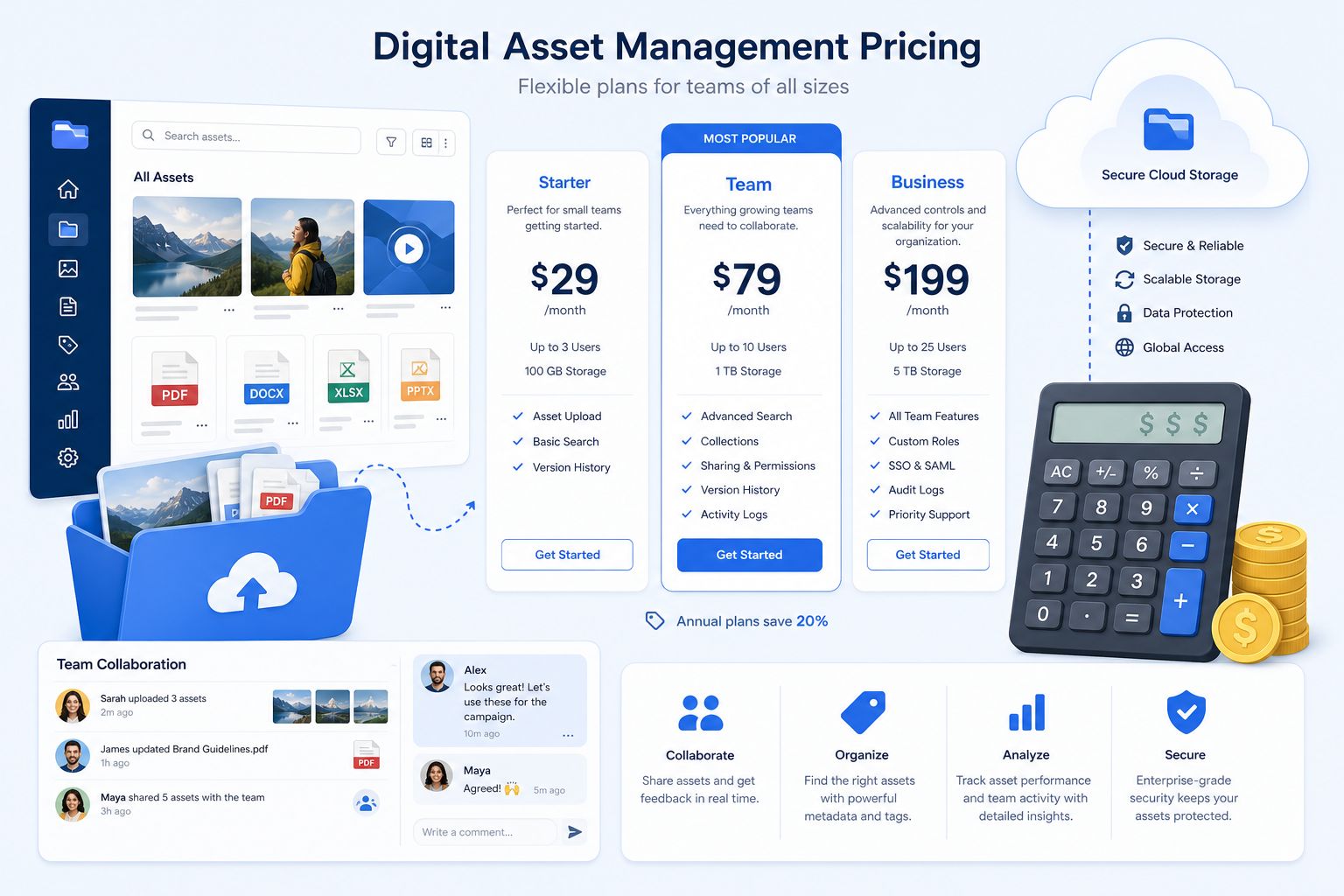
DAM pricing is wide-ranging because vendors are solving very different problems for very different buyers.
A global enterprise brand may need:
- complex permissions
- multi-brand governance
- advanced workflow automation
- custom integrations
- formal onboarding and migration support
- compliance requirements across many teams
A smaller company usually needs something much more practical:
- organized storage for files, documents, and images
- quick search and preview
- secure file sharing
- access control
- fast upload and retrieval
- a clean interface the team will actually use
That difference matters. Many of the top-ranking pricing pages focus on enterprise DAMs and frame “custom quote” pricing as normal. But for many teams, that creates unnecessary cost and complexity.
A simpler platform like AssetHQ is often a better fit when your priority is dependable file management, secure sharing, team collaboration, and predictable flat pricing without enterprise bloat.
The main DAM pricing models
Not all DAM vendors price the same way. Understanding the pricing model matters just as much as understanding the monthly fee.
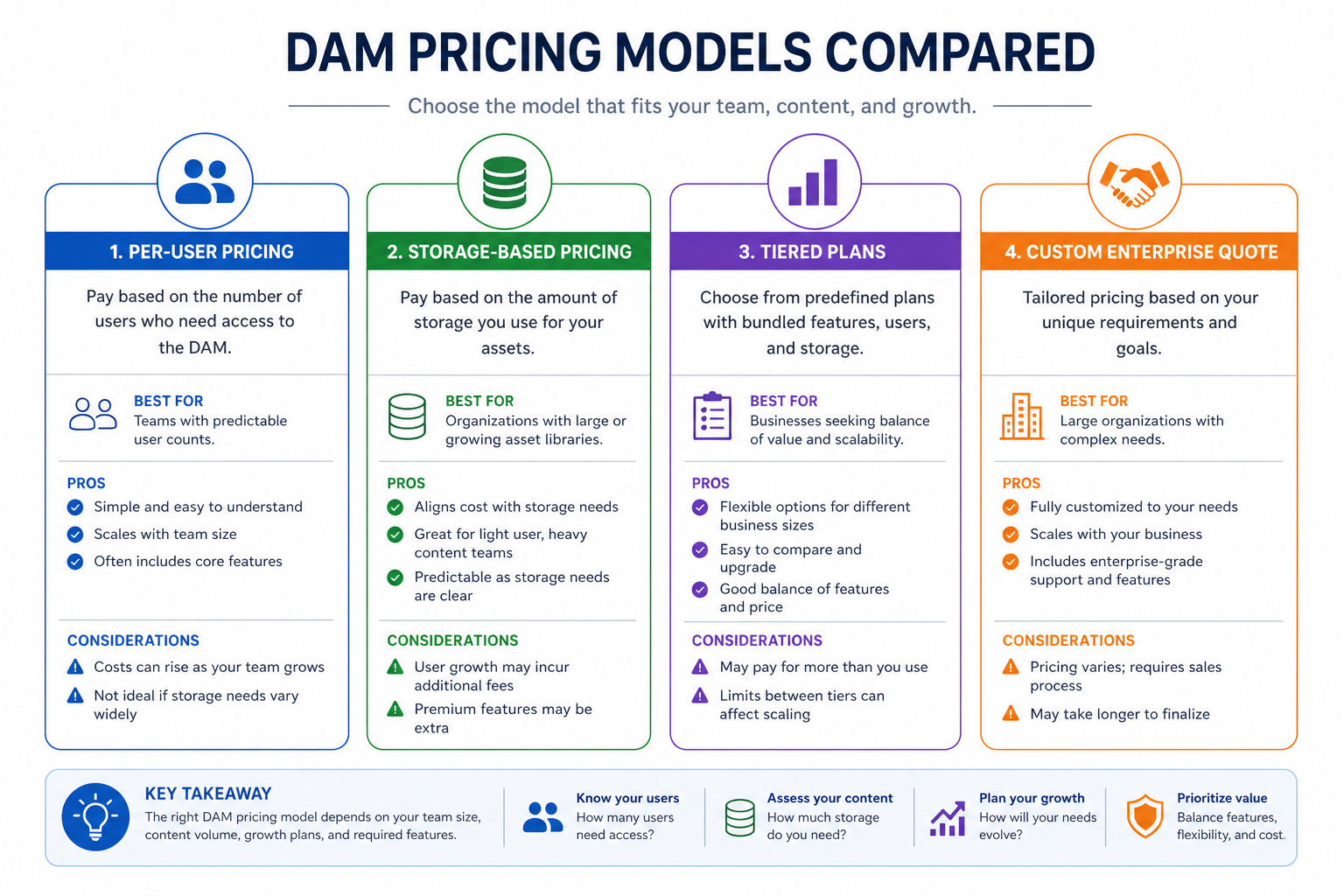
Per-user pricing
This model charges based on the number of users or seats.
Pros:
- can look affordable at first
- works for tightly controlled teams
Cons:
- gets expensive quickly as you grow
- discourages wider adoption
- makes it harder to invite contractors, partners, or other departments
If your team grows from 5 users to 20 users, your DAM cost can rise sharply even if your storage needs barely change.
Storage-based pricing
This model charges mainly based on how much content you store.
Pros:
- easier to forecast
- often better for growing teams
- usually supports broader collaboration
Cons:
- overage fees may appear if growth is not planned
- video-heavy libraries can outgrow lower plans quickly
Storage-based pricing is often more sensible when your organization wants to give access to more people without being punished on cost.
Tiered pricing
Tiered plans group features, storage, and sometimes usage limits into packages such as Starter, Pro, and Enterprise.
Pros:
- easy to compare at a glance
- transparent for budgeting
- good for smaller businesses buying without sales involvement
Cons:
- important features may be locked into higher tiers
- lower plans sometimes have strict limits on storage, support, or integrations
Custom quote pricing
This is common with enterprise DAM vendors. You contact sales, describe your needs, and receive a custom proposal.
Pros:
- can fit complex organizations
- allows for tailored requirements
Cons:
- limited transparency
- slower buying process
- often signals higher total cost
- difficult to compare apples to apples
For lean teams, custom quote pricing often means you’re entering a sales process designed for organizations much larger than yours.
What usually determines the price of a DAM
Competitor articles generally mention storage, users, and features. That’s true, but there are more practical cost drivers buyers should watch closely.
1. Number of users and collaborators
Some vendors charge for:
- internal users
- admin users
- guest users
- portal users
- external agencies or partners
This can turn collaboration into a budget issue. If you regularly share assets with freelancers, sales reps, distributors, or clients, unlimited or simple user pricing is far easier to manage.
2. Storage volume
Storage is one of the biggest pricing drivers, especially if you manage:
- high-resolution images
- layered design files
- marketing documents
- product photography
- short-form or long-form video
It’s smart to estimate not just what you store today, but what you’ll store 12 to 24 months from now.
3. Feature depth
Basic file storage is not the same as DAM. Pricing rises when platforms add:
- AI tagging
- advanced metadata fields
- workflow approvals
- templating
- portals
- analytics
- content automation
- advanced brand governance
The key is not paying for features your team will never use. Many businesses need strong organization, previews, secure sharing, version clarity, and access control more than they need enterprise workflow engines.
4. Integrations
Integrations can be included, limited, or sold as add-ons.
Common pricing-sensitive integrations include:
- Adobe Creative Cloud
- Canva
- Microsoft 365
- Google Drive
- Shopify
- CMS platforms
- Zapier
- APIs
A DAM that seems affordable upfront may become expensive once you need the tools your team uses every day.
5. Onboarding and migration
This is one of the most overlooked costs in DAM pricing.
Some vendors charge separately for:
- setup help
- migration from shared drives
- metadata mapping
- taxonomy planning
- user training
- implementation support
For smaller businesses, a system should be intuitive enough that onboarding does not become its own project. That’s part of AssetHQ’s appeal: simple file management, fast adoption, and dependable structure without layers of configuration.
6. Security and access controls
Enterprise-grade security can influence pricing, especially if you need:
- role-based permissions
- access restrictions
- secure external sharing
- expiring links
- audit visibility
- private team spaces
But security should not require enterprise complexity. For growing organizations, practical features like secure storage, controlled access, and expiring share links often deliver the right balance.
DAM pricing comparison: what competitor pricing patterns reveal
Based on the competitor content, there are a few recurring patterns in the market.
Vendor Type | Common Pricing Pattern | Typical Tradeoff |
|---|---|---|
Enterprise DAM | Custom quote or annual contract | Powerful, but often expensive and complex |
Mid-market DAM | Tiered or semi-custom pricing | Better transparency, but feature gates are common |
Modern small-team DAM | Flat or tiered pricing with simpler packaging | Easier to budget and adopt |
Legacy DAM | Quote-based with service-heavy onboarding | Higher implementation burden |
Here’s the important takeaway: price alone is not the real comparison point. Total cost of ownership is.
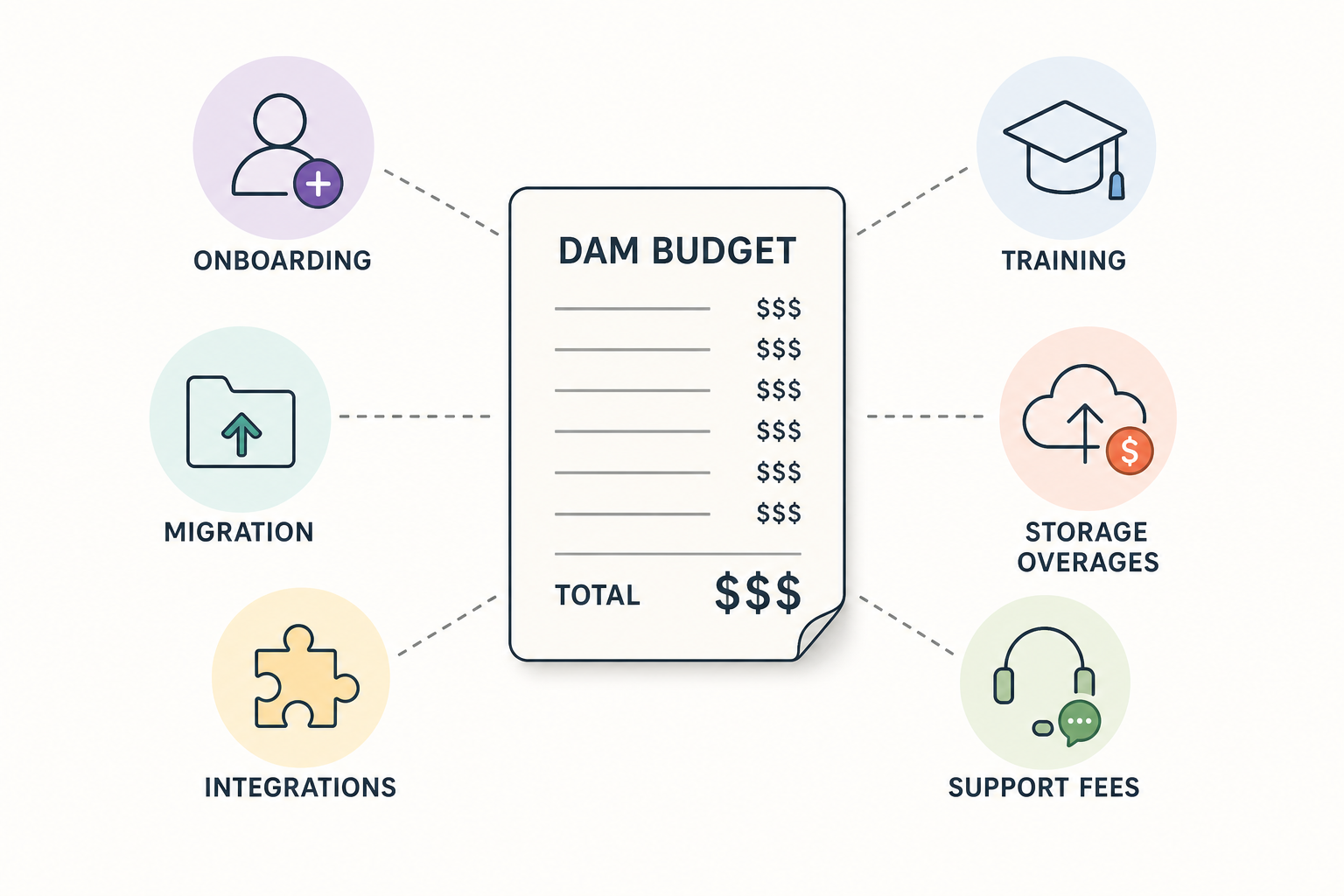
That includes:
- subscription fee
- onboarding fees
- training costs
- migration effort
- integration costs
- support charges
- overage fees
- time lost to complexity
The hidden costs most DAM pricing pages gloss over
Competitor articles touch on hidden fees, but this is where buyers often get burned.
Implementation fees
Some vendors separate software cost from setup cost. That can mean a manageable monthly number turns into a much larger first-year expense.
Asset migration costs
Moving files from Dropbox, Google Drive, SharePoint, local folders, or another DAM can require extra support. If migration is billed hourly, costs can climb fast.
Support charges
Not every vendor includes meaningful support in the base price. You may pay extra for:
- priority support
- onboarding sessions
- admin training
- technical troubleshooting
API or integration fees
An API may be “available,” but not included. Likewise, important integrations may sit behind higher tiers.
Storage overages
A plan may include an attractive base allowance, but if your asset library grows quickly, the cost of extra storage can outpace expectations.
Contract lock-in
Long contracts reduce flexibility. If your team outgrows the tool, or adoption stalls, you may still be locked in.
Adoption cost
This is the hidden cost few vendors spell out clearly: if the DAM is difficult to use, people avoid it. Then your team keeps saving files locally, recreating assets, and asking coworkers for “the latest version.”
That is a pricing problem, not just a usability problem.
"Organizations adopting DAM systems report an average productivity increase of 34%." - iBASE
A DAM only delivers value if people actually use it.
What good-value DAM pricing looks like
The best-value DAM is not necessarily the cheapest. It’s the one that gives you the capabilities you need without forcing you into extra cost layers.
A strong-value pricing model usually includes:
- straightforward monthly or annual pricing
- no surprise user fees
- enough storage for current and near-term growth
- secure sharing and access control built in
- fast search and preview for images and files
- collaboration features for internal and external teams
- a clean interface that reduces training time
- reliable support
- scalable packaging without forcing enterprise upgrades too early
This is where AssetHQ fits naturally.
For teams that want a professional system without complexity, AssetHQ offers the fundamentals that matter most:
- simple and intuitive file management
- organized storage for documents, images, and files
- image preview and management capabilities
- secure sharing with expiring links and access control
- enterprise-grade secure storage
- fast upload and file access
- collaboration for growing organizations
- affordable flat pricing with no hidden fees
- scalable structure that works for solo users and teams
How to compare DAM pricing without getting misled
When you compare vendors, do not just ask “what’s your monthly price?”
Ask these questions instead.
What does the base plan actually include?
Look for:
- storage included
- number of users included
- admin limits
- guest access
- sharing features
- support level
- integrations
- version history
- image previews
- access controls
What costs extra later?
Ask directly about:
- onboarding
- migration
- extra storage
- API access
- advanced permissions
- support
- training
- branding or portal features
- contract minimums
Will this still fit in a year?
A DAM should support your next stage, not just your current state. If you plan to hire, add contractors, or centralize more files, your pricing model should remain predictable.
Is the product actually easy to use?
If a platform requires heavy setup, long training, or constant admin involvement, the software may be too complex for your team.
That’s often the dividing line between enterprise DAM and practical file management software. AssetHQ is positioned for teams that want structure, security, and collaboration without needing a full-time DAM administrator.
Real ROI: why cheaper file storage is not always cheaper
Many businesses compare DAM software against generic file storage tools and assume the latter is cheaper.
Not always.
Generic storage tools can create hidden costs through:
- duplicate files
- inconsistent naming
- weak permissions
- slow search
- missing previews
- unclear version control
- unsafe sharing practices
- scattered assets across tools and inboxes
A well-structured DAM or file management platform reduces those costs by creating one dependable source of truth.
"Companies can achieve a 28% reduction in asset creation costs by centralizing assets and minimizing redundant work." - iBASE
For small and growing teams, that matters. Recreating files, chasing approvals, and hunting for the latest version often costs more than the software subscription itself.
Screenshots of the DAM market: enterprise vs modern alternatives
MediaValet
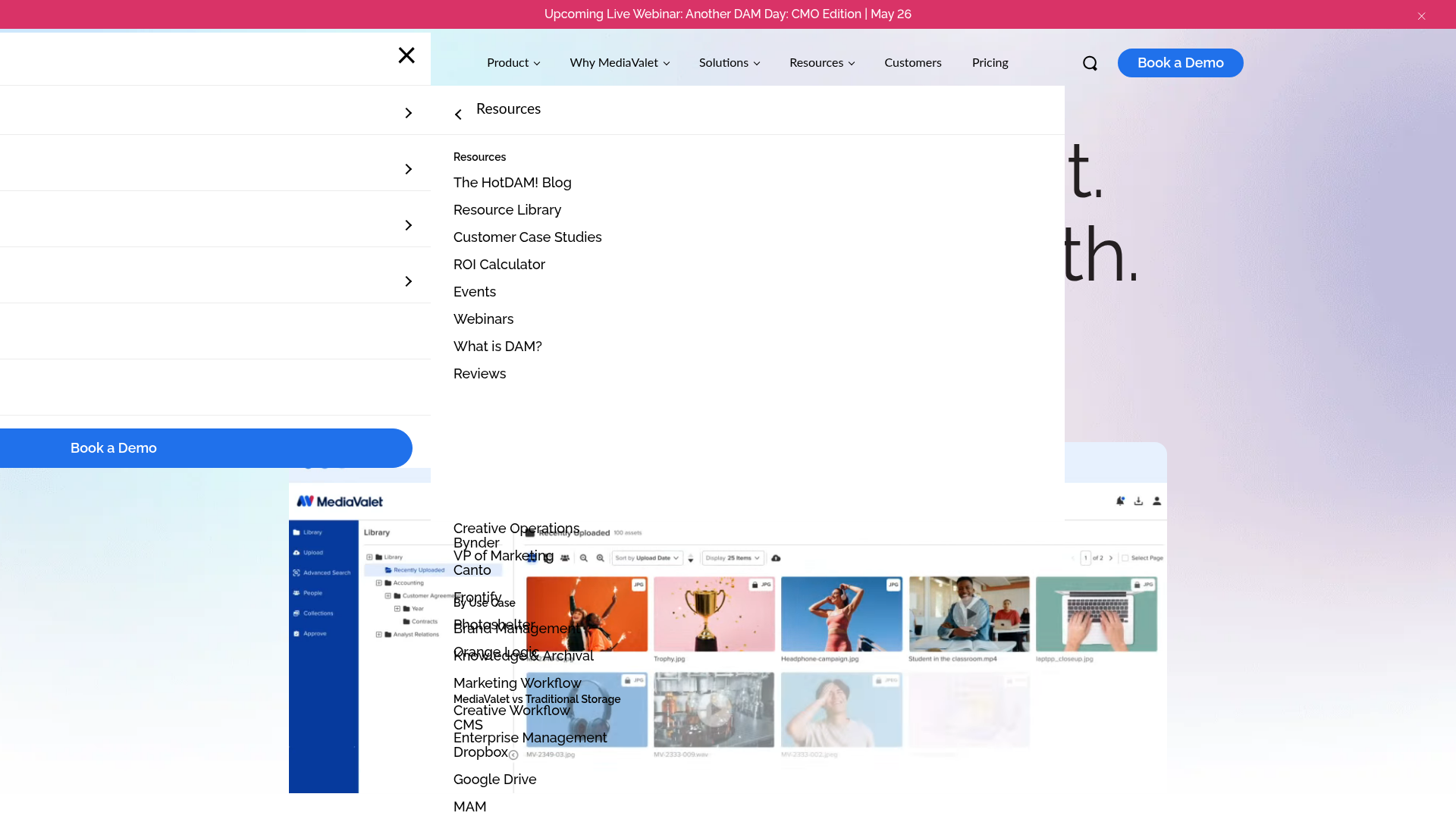
MediaValet emphasizes enterprise capabilities, support, and scalability. That can be valuable for large organizations, but it also reflects a more enterprise-oriented buying motion and pricing structure.
Dash
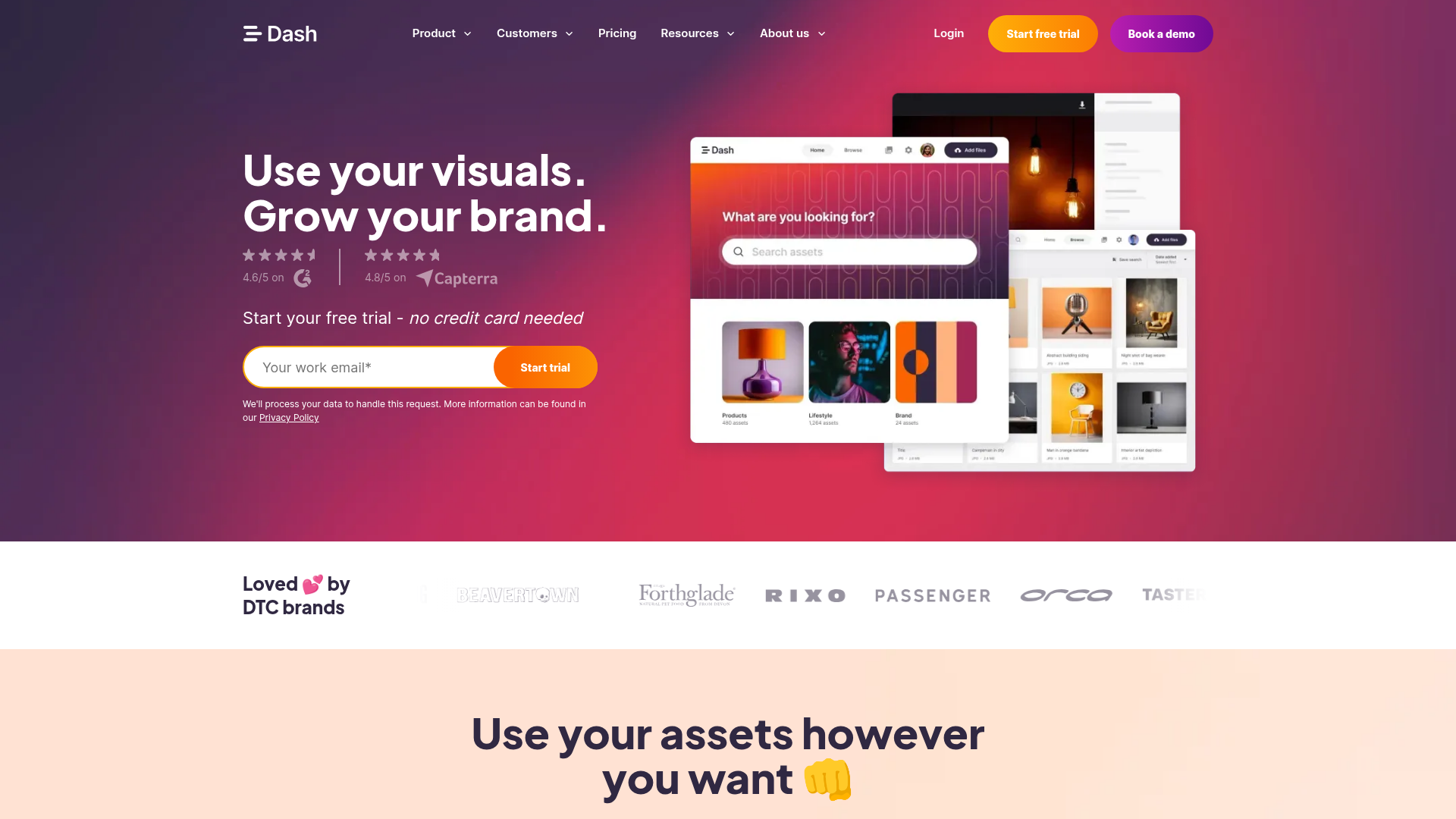
Dash positions itself as a simpler DAM for growing brands, with transparent tiered pricing and unlimited users. That makes it more approachable for ecommerce and marketing teams.
Stockpress
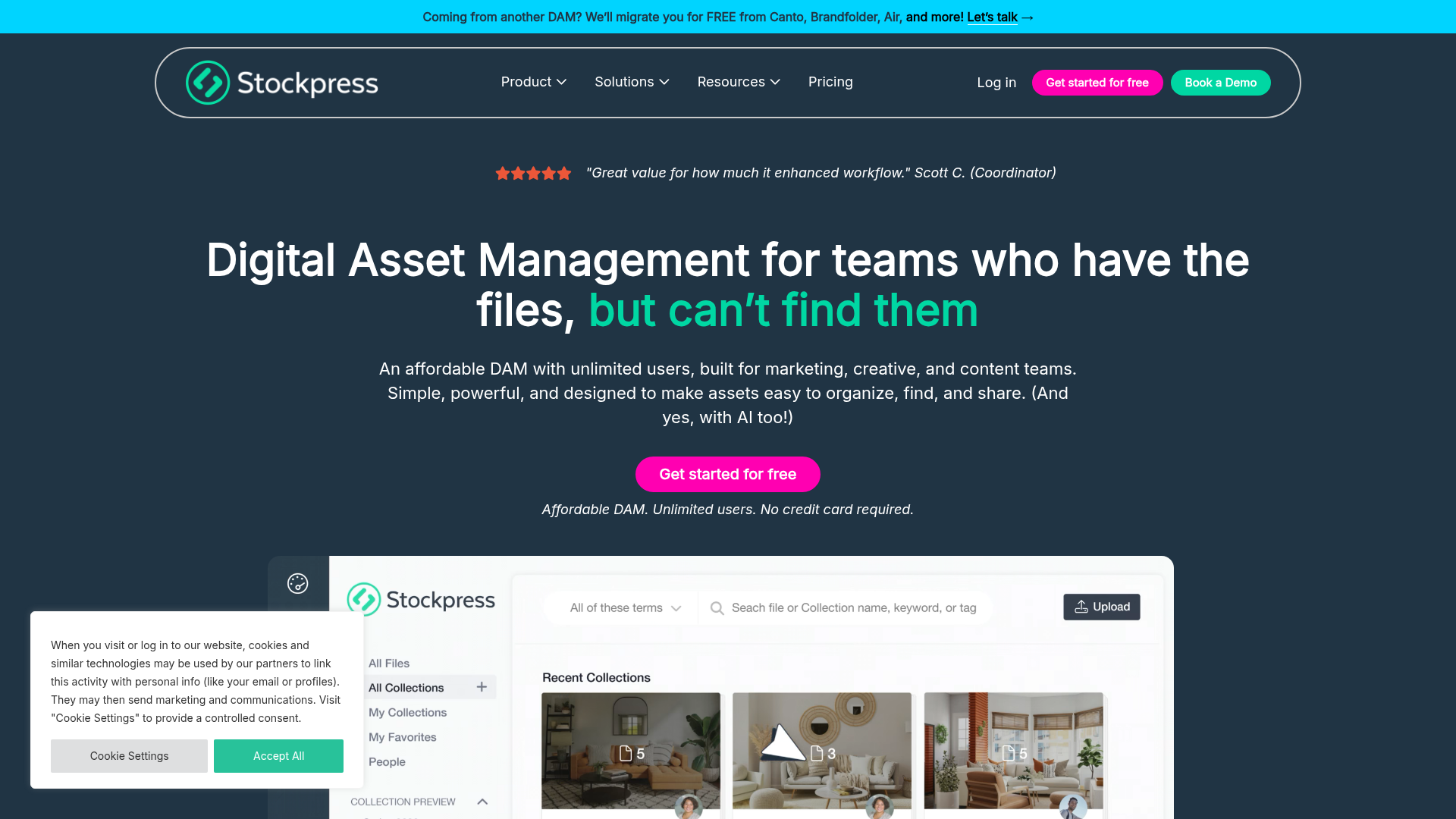
Stockpress highlights storage-based pricing and unlimited users, which appeals to collaborative teams looking for predictability.
The content gap competitors miss: simplicity is part of pricing
The top competitor articles do a good job explaining pricing models, but they often miss one crucial point:
Simplicity itself has economic value.
A DAM that is easy to understand, easy to adopt, and easy to manage lowers cost in at least five ways:
- Less training time
- Faster rollout
- Higher team adoption
- Less admin overhead
- Fewer workarounds and duplicate systems
This is especially important for startups, solo operators, and lean teams. You do not just need affordable software. You need software that helps your team stay organized without becoming another system to manage.
AssetHQ is built around that exact value proposition: dependable digital asset management and file storage without feature overload, hidden fees, or unnecessary operational drag.
How to choose the right DAM pricing model for your team
If you are a solo founder or very small business
You likely need:
- secure file storage
- folder-based organization
- image previews
- controlled sharing
- affordable flat pricing
- minimal setup time
A lightweight, scalable system is usually the better choice than enterprise DAM.
If you are a growing startup or marketing team
You likely need:
- more collaborators
- shared file access
- faster retrieval
- permission controls
- clean organization for documents and media
- a platform that scales without per-seat pain
This is where simple, team-friendly pricing becomes valuable.
If you are a larger multi-department organization
You may need:
- deeper workflow controls
- advanced reporting
- more formal governance
- broader integration requirements
- customized onboarding
At that point, higher-tier or enterprise DAMs may make sense, but you should still scrutinize total cost.
A practical checklist for evaluating digital asset management pricing
Use this before you commit to any DAM vendor.
Question | Why It Matters |
|---|---|
Is pricing public and understandable? | Reduces buying friction and surprises |
Are users unlimited or capped? | Impacts collaboration and future growth |
How much storage is included? | Affects your real monthly cost |
Are image previews and organization included? | Core usability for visual teams |
Are secure sharing and access controls built in? | Essential for safe collaboration |
Is onboarding simple or service-heavy? | Impacts implementation time and cost |
Are there hidden fees for support or integrations? | Changes total cost of ownership |
Will the platform still fit when your team grows? | Protects against early re-platforming |
Final verdict: what digital asset management pricing should really buy you
Digital asset management pricing should not just buy software. It should buy clarity, control, speed, and confidence.
The right DAM helps your team:
- store files in one organized place
- find what they need quickly
- preview and manage images easily
- share assets securely
- control access without friction
- collaborate without version chaos
- grow without runaway costs
For many businesses, especially solo founders, startups, and growing teams, the best answer is not the biggest DAM on the market. It’s the one that gives you professional-grade organization and secure collaboration in a system people will actually enjoy using.
That’s why AssetHQ stands out as a smart alternative. It brings together intuitive file management, secure storage, expiring links, image preview support, team collaboration, and scalable organization in an affordable model with no hidden fees.
If you want digital asset management pricing that stays predictable while your business grows, try AssetHQ. It gives you the structure and security of a serious file management platform without the complexity and cost of enterprise-heavy DAM tools.
Related Posts
Digital Asset Management Software Explained
Digital Asset Management Software Explained If your files live across email threads, shared drives, Slack messages, desktops, and random folders named “final-final-v2,” you do not have a file system. You have a bottleneck. That is exactly why digital asset management software exists. A digital asset management system software platform helps teams store, organize, find, manage, and share files from one central place. It gives structure to your content, control to your team, and confidence that
min read
Best Digital Asset Management Platforms for Teams
Best Digital Asset Management Platforms for Teams If your team is still juggling files across email threads, shared drives, Slack messages, and random desktop folders, choosing the best digital asset management platforms is no longer optional. It is how you stop wasting time, protect brand consistency, and give people a dependable way to store, organize, preview, and share the right files fast. For solo founders, startups, small businesses, and growing teams, the challenge is not just finding
min read
DAM Software: What Growing Teams Need in 2026
DAM Software: What Growing Teams Need in 2026 If your team is still juggling files across email, shared drives, chat threads, and scattered folders, you are already feeling the problem that DAM software is built to solve. For growing businesses, digital asset management is no longer just for giant enterprises with massive creative departments. Startups, solo founders, small businesses, and scaling teams all need a dependable way to organize documents, images, brand files, and shared assets wit
min read